

Vaulty for iPhone and iPad
Your private photos, in one locked place.
Keep your private photos and videos in a vault protected by a PIN or Face ID.

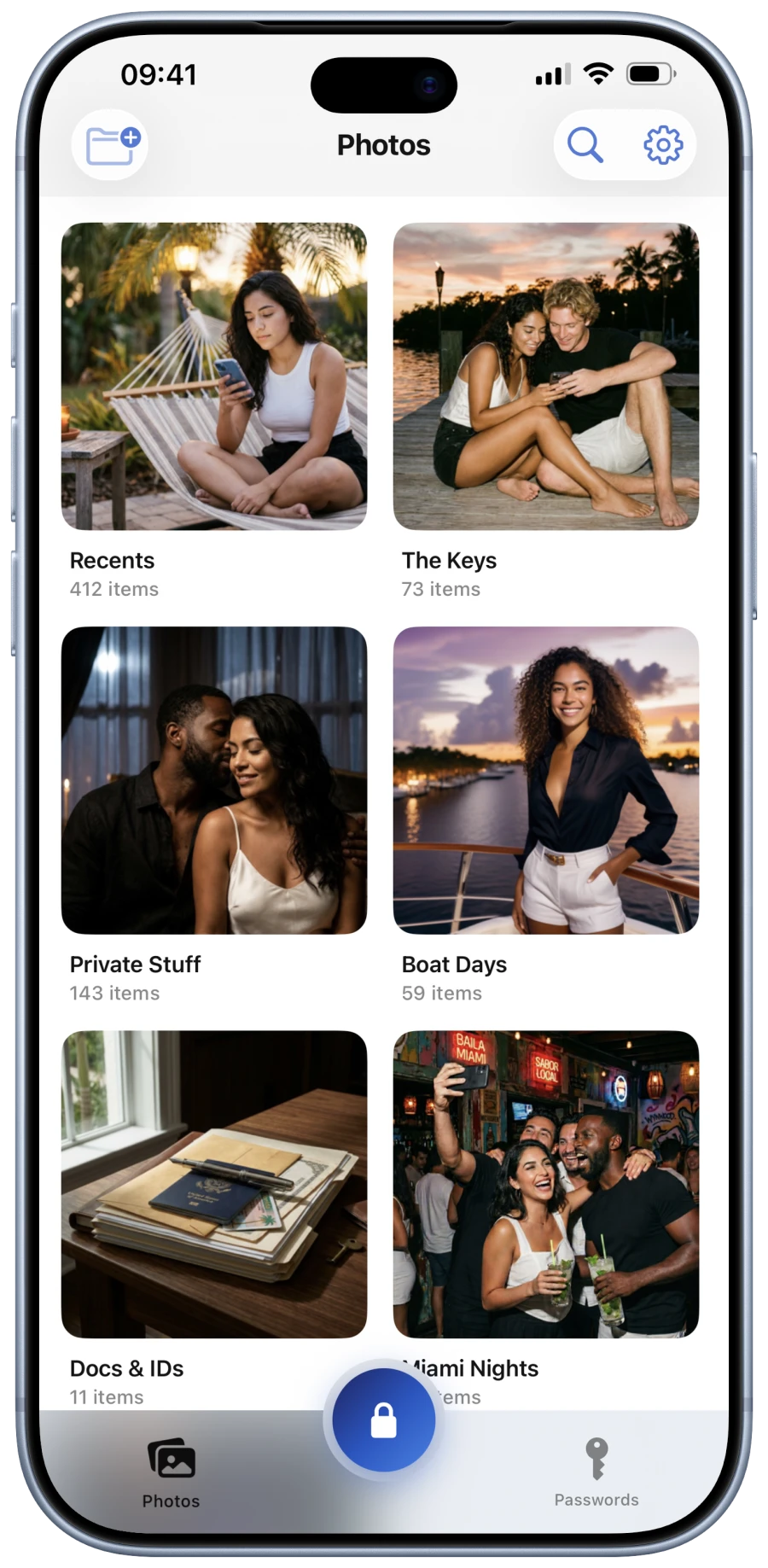
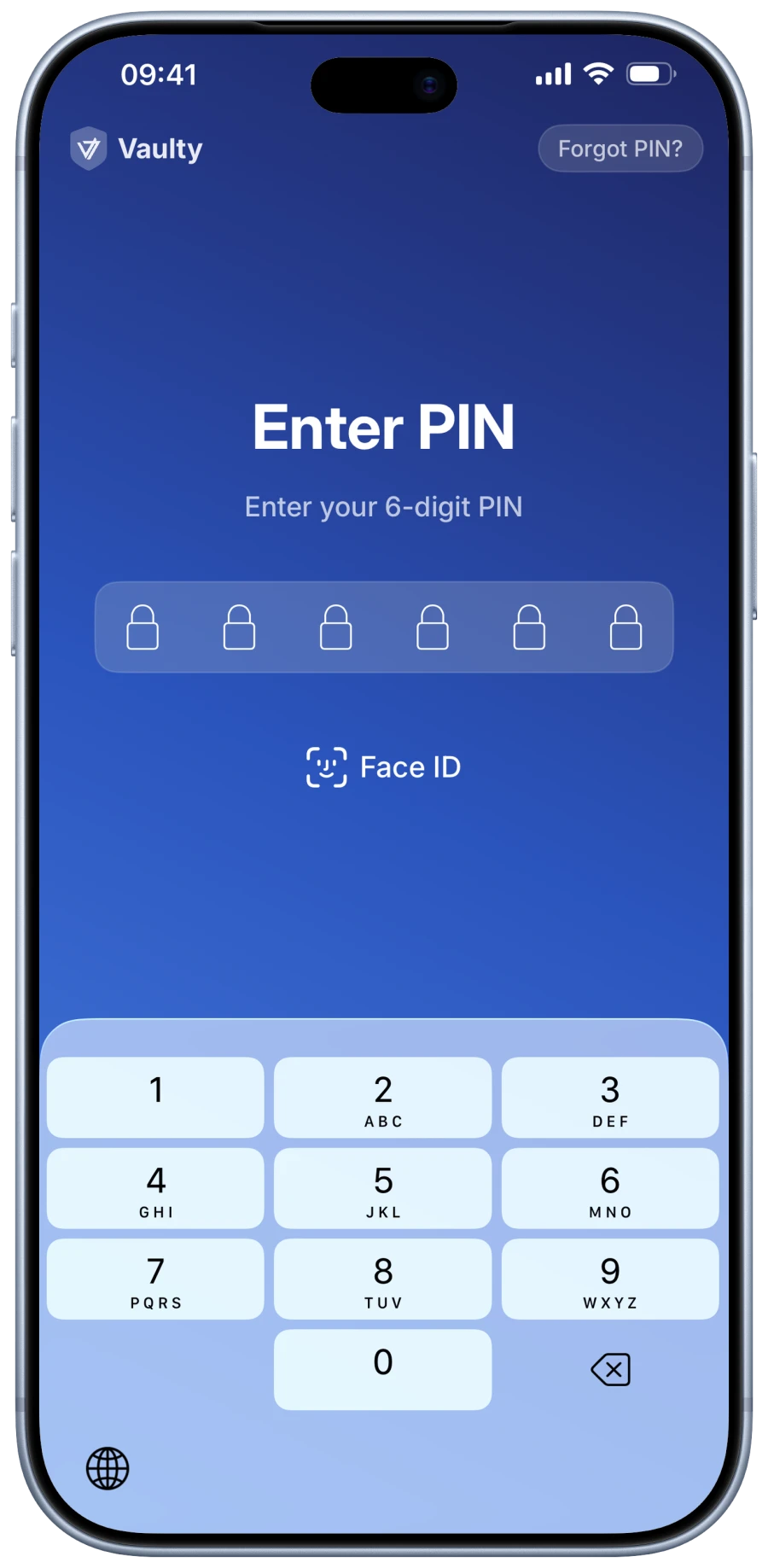
PIN & Face ID
Open with your PIN or Face ID.
Open your vault with your 6-digit PIN or Face ID.
- 6-digit PIN
- Face ID
Real vaultDecoy vault
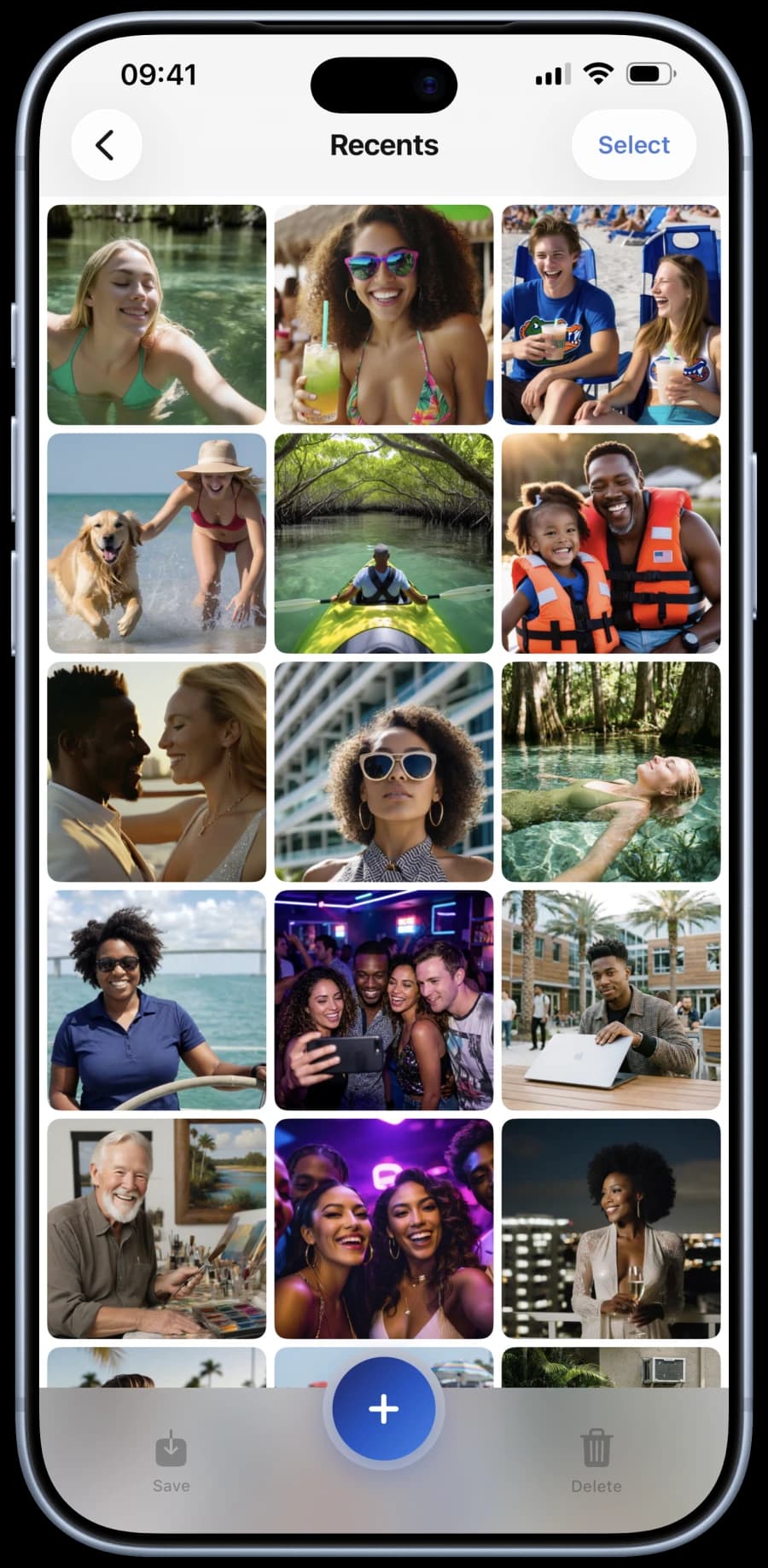
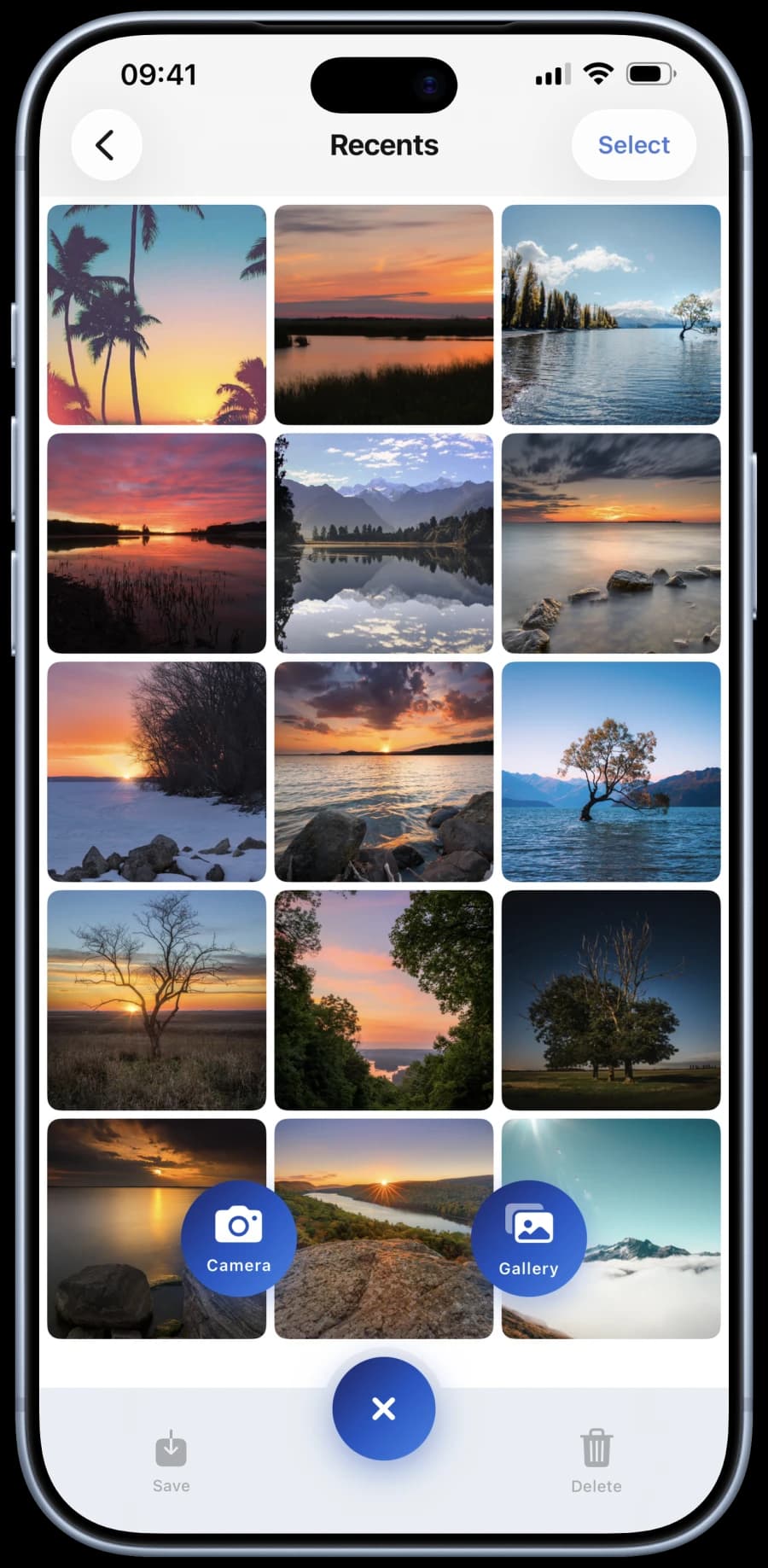
Decoy vault
A second PIN for a decoy vault.
Use a second PIN to open a separate vault while keeping your real vault hidden.
- A separate PIN
- Its own photos and folders
- Your real vault stays hidden
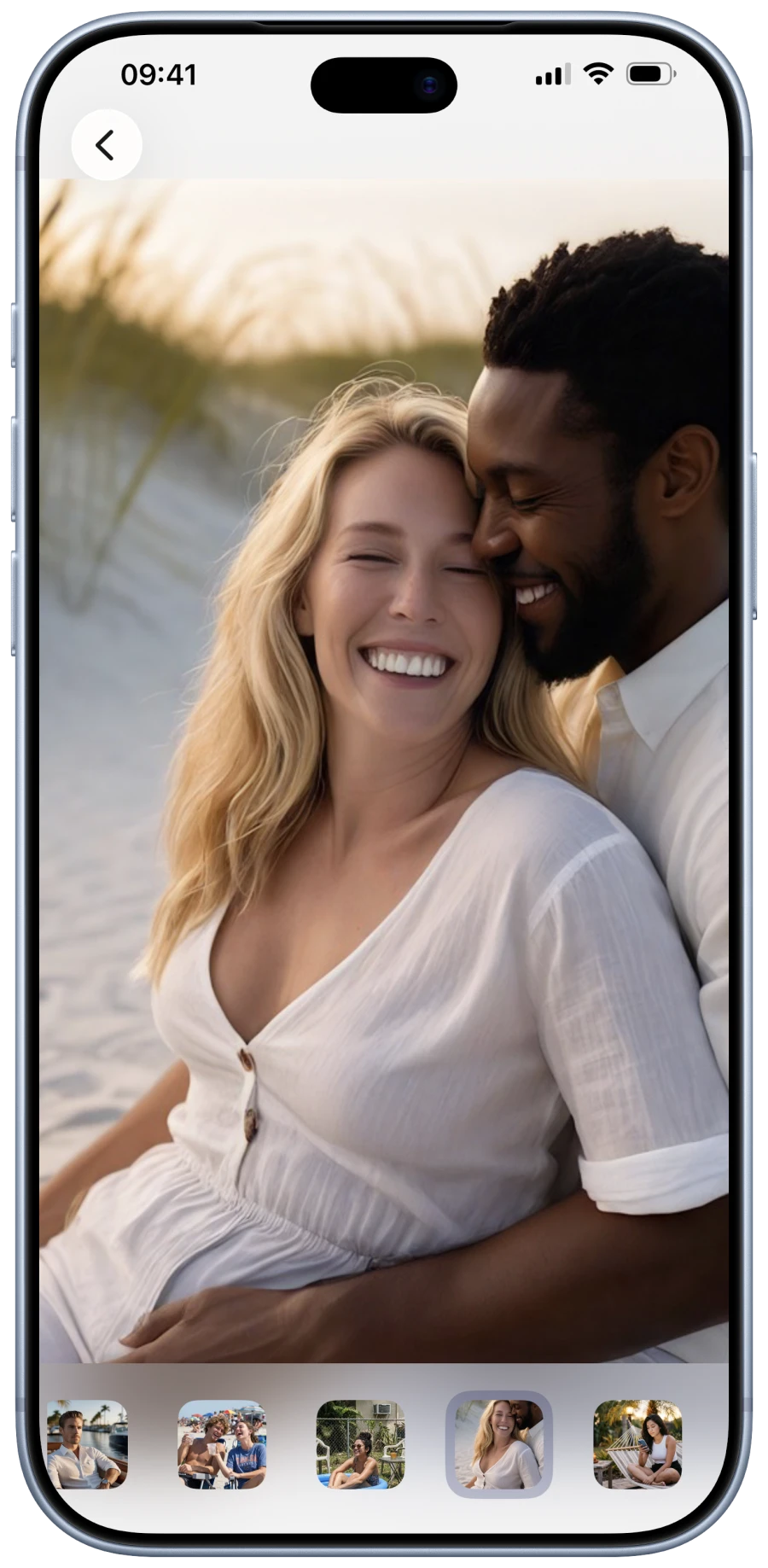
Viewer
Browse in full screen.
Swipe through your photos, zoom in and play videos without leaving the vault.
- Swipe between photos
- Zoom in on details
- Play videos
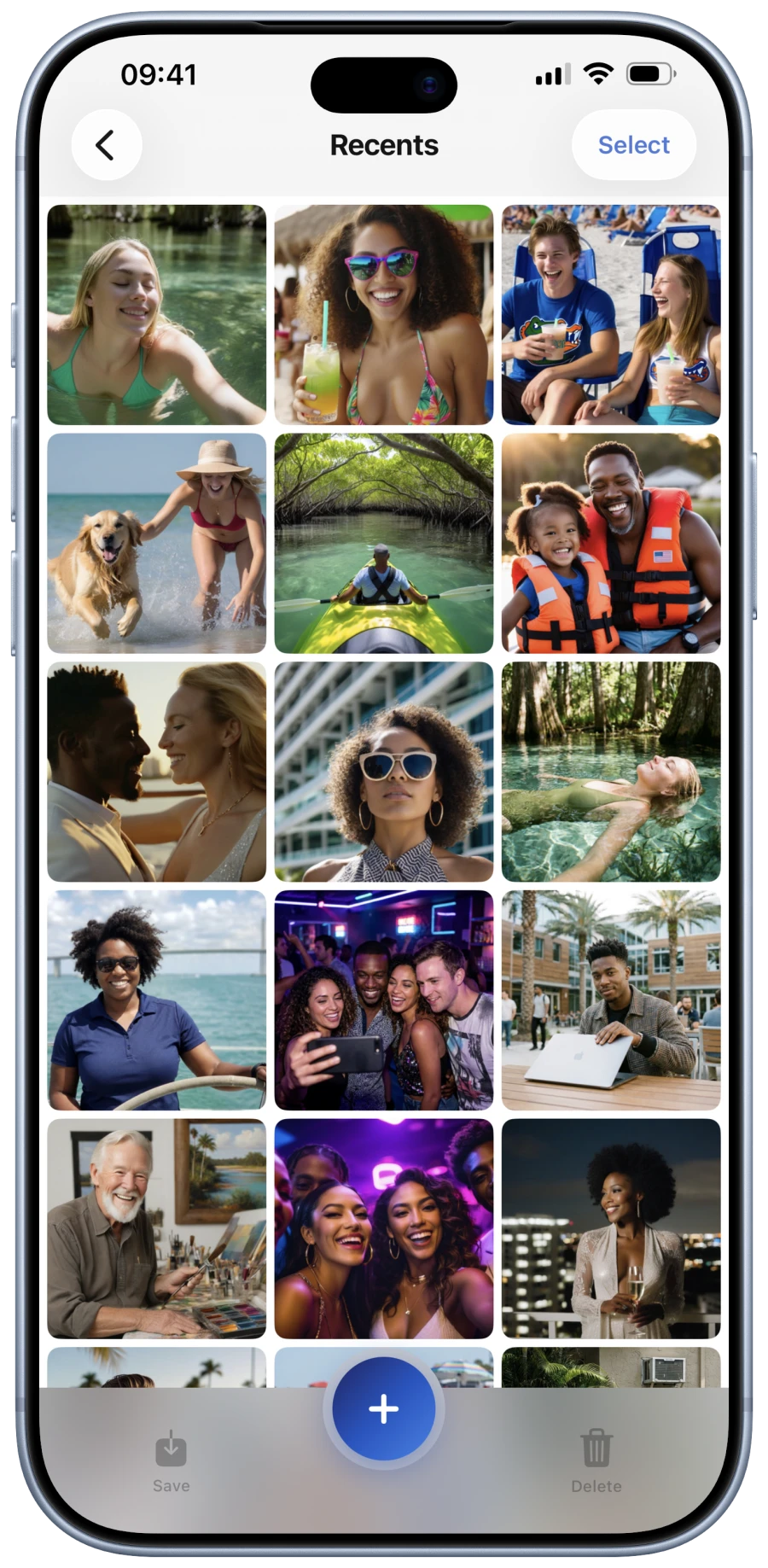
Folders
Private folders for your photos and videos.
Keep your photos and videos in separate folders inside your vault.
Cloud backup
Access your vault on another device.
Back up your photos and videos to the cloud and access them when you sign in on another device.
- Cloud backup for photos and videos
- Access on iPhone and iPad