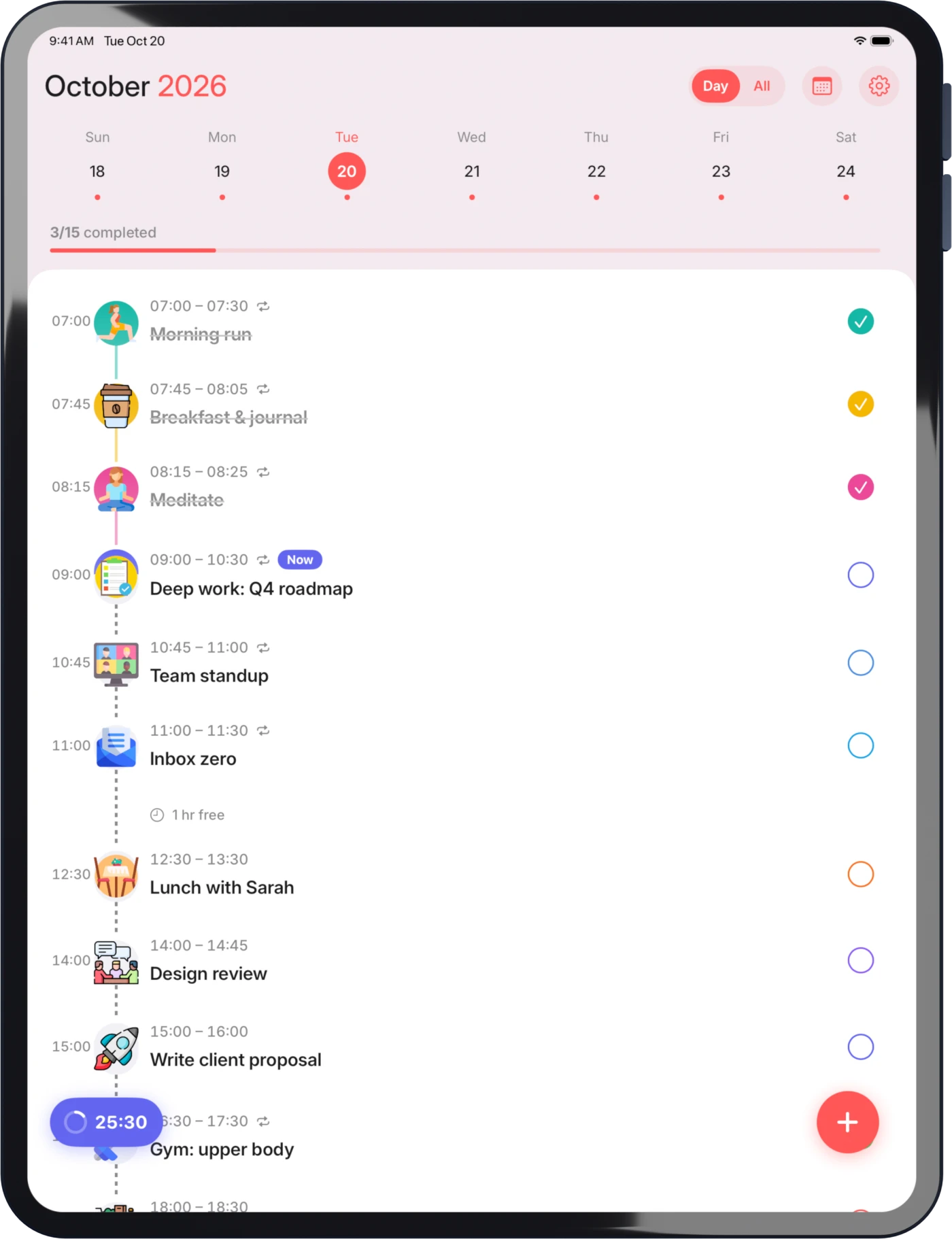
Stack for iPhone and iPad
Know what to do next.
Turn your to-do list into a plan for the day. Give each task a time, see what fits, and focus on one thing at a time.








Widgets and Live Activities
Keep your plans in view.
Check your day from your Home Screen with widgets. Follow your focus session with Live Activities, without opening the app.
- Today's tasks in a Home Screen widget
- Your focus session on the Lock Screen
- Progress for the day at a glance
Focus timer
Focus on one task.
Start a focus session for a task. Pause when you need a break, reset the timer or add five more minutes.
- A focus timer linked to your task
- Pause, reset or end at any time
- Five more minutes with one tap
Add a task
Add tasks in seconds.
Choose when to start and how long you need. Check the day’s schedule before saving, with notes and reminders available when you need them.
- Quick durations from 15 minutes to 2 hours
- See the day’s schedule as you add a task
- Reminders, recurring tasks and notes

Routines
Plan once, repeat as needed.
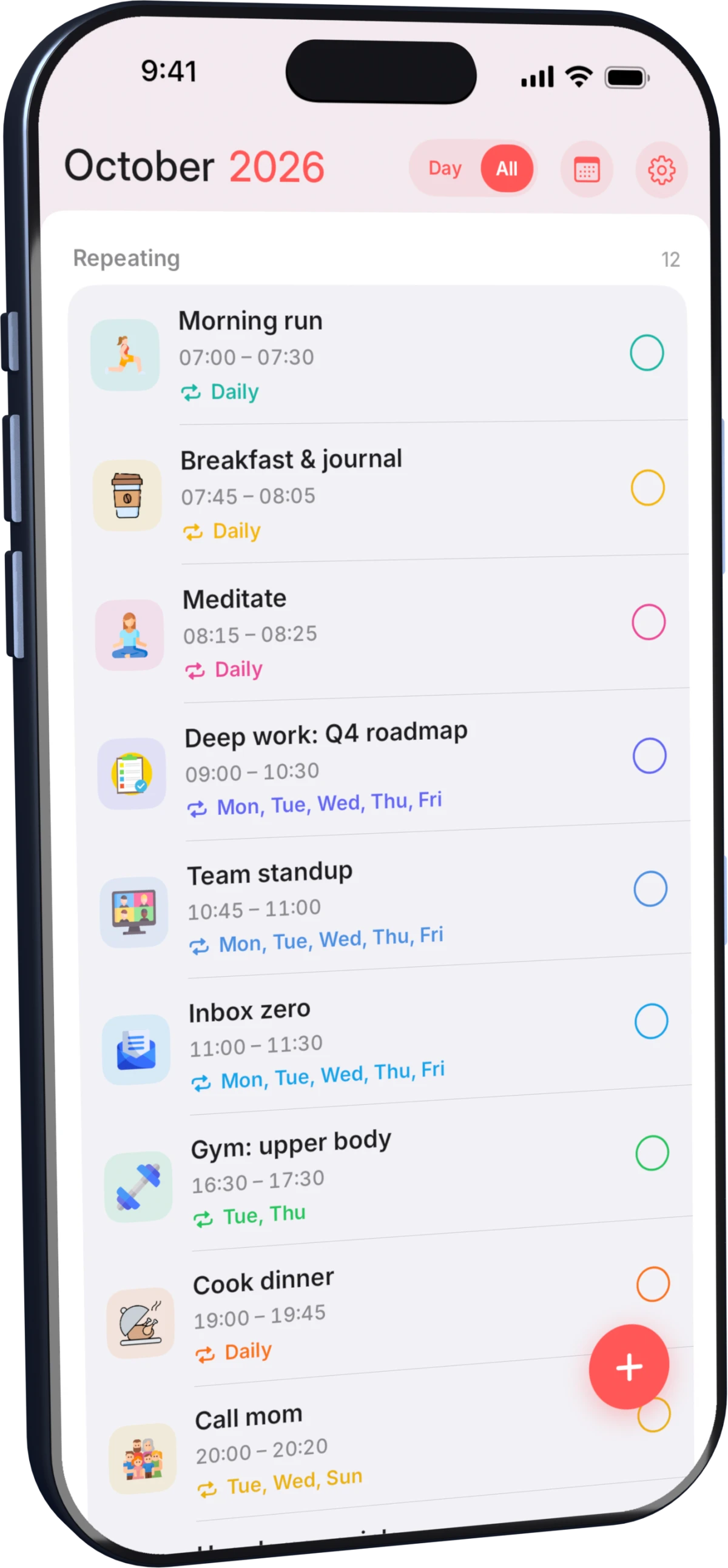
Set recurring tasks for your regular commitments. Edit a single occurrence or the whole series without recreating the task.
- Daily, weekdays or the days you choose
- All repeating tasks in one list
- Edit one occurrence or the whole series
iPad
Also on iPad.
See your schedule and manage your tasks on a larger screen.