

Locxafe for iPhone and iPad
Your photos, for your eyes only.
Keep your private photos and videos in folders protected by a PIN or Face ID.

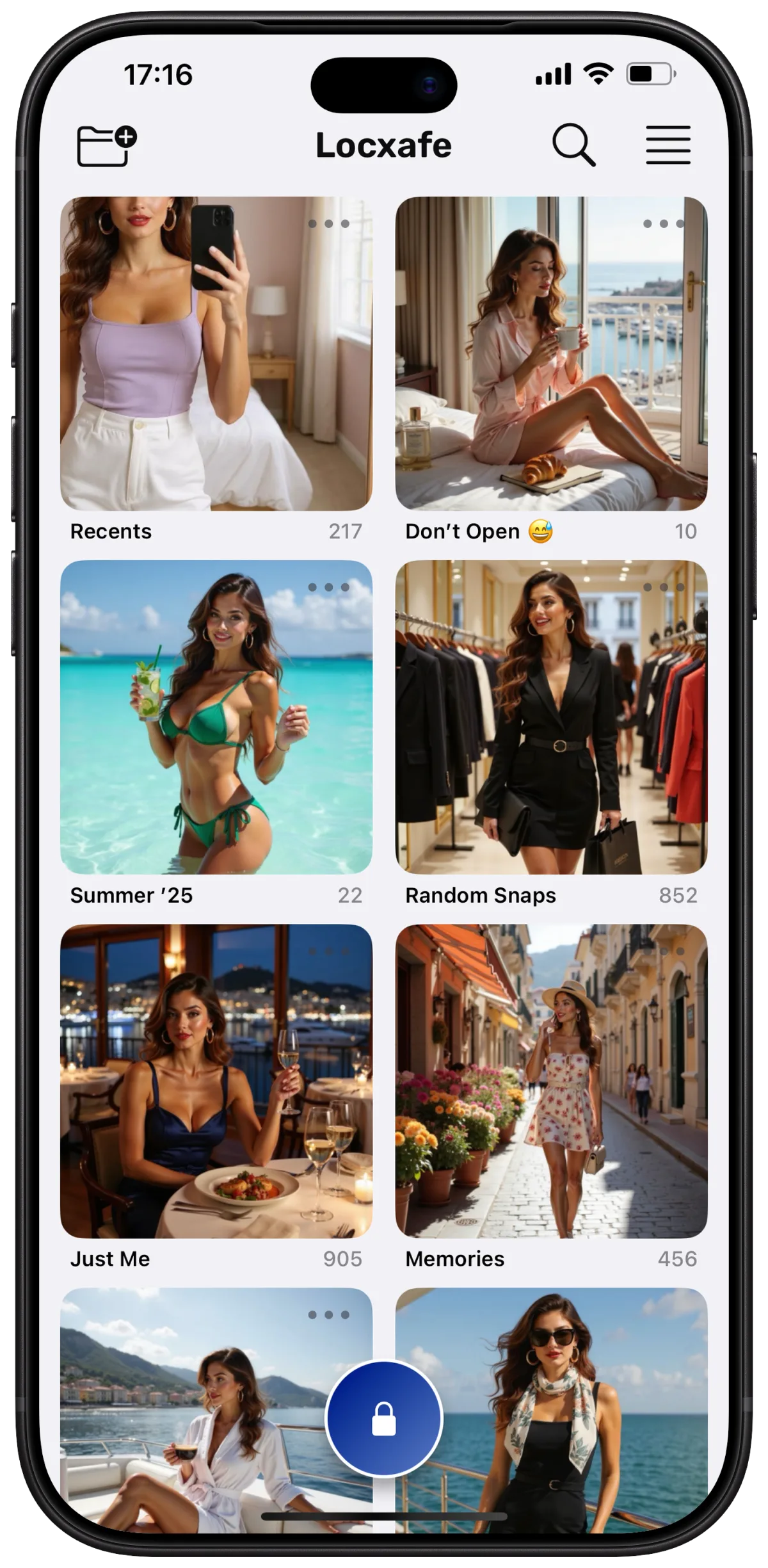
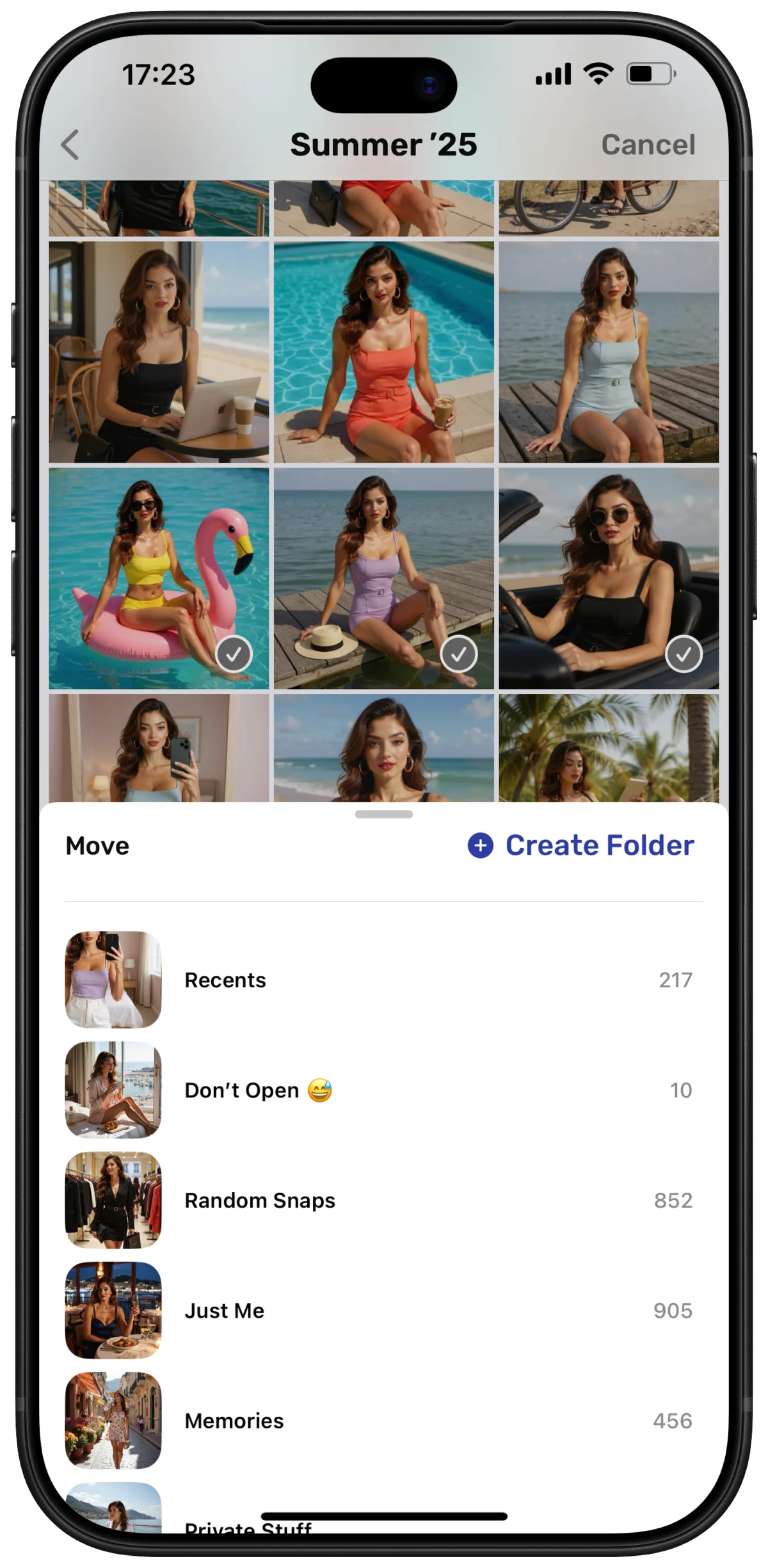
Folders
Organize your private photos.
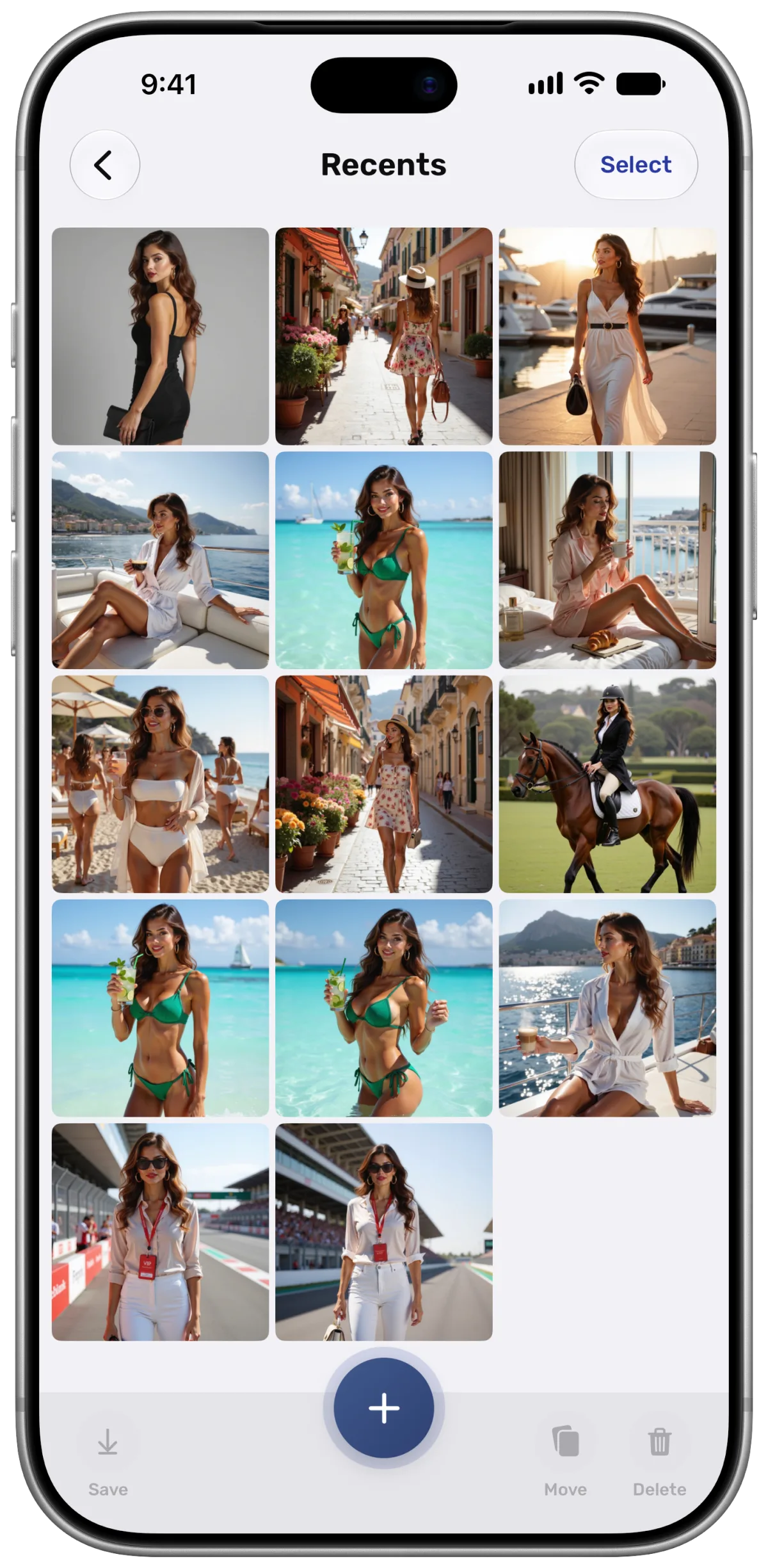
Import photos and videos from your library and sort them into folders. Move items between folders whenever you like.
- Import from your photo library
- Move items with a tap or drag
- Remove the originals from your library if you want
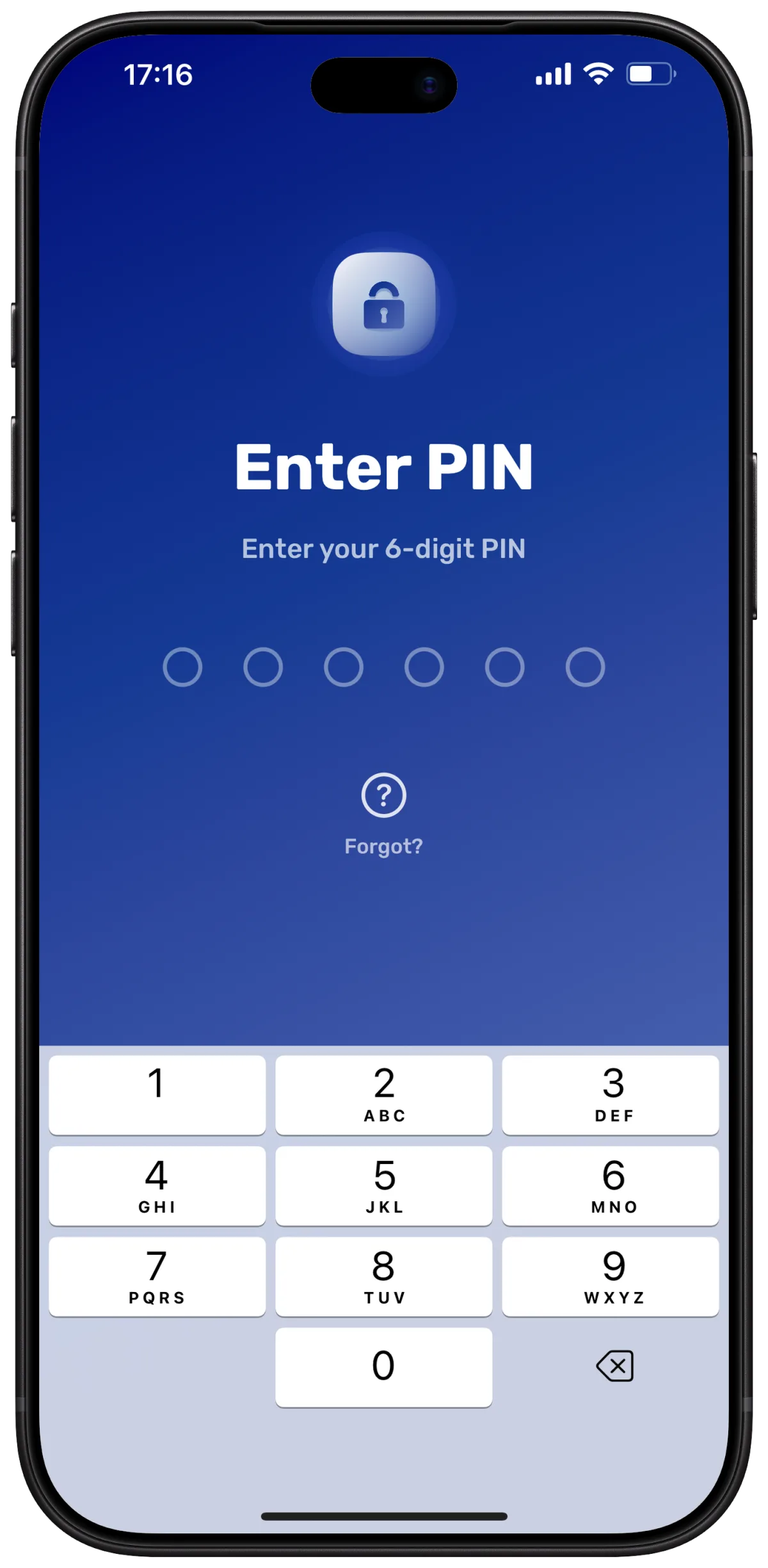
PIN & Face ID
Choose how your vault opens.
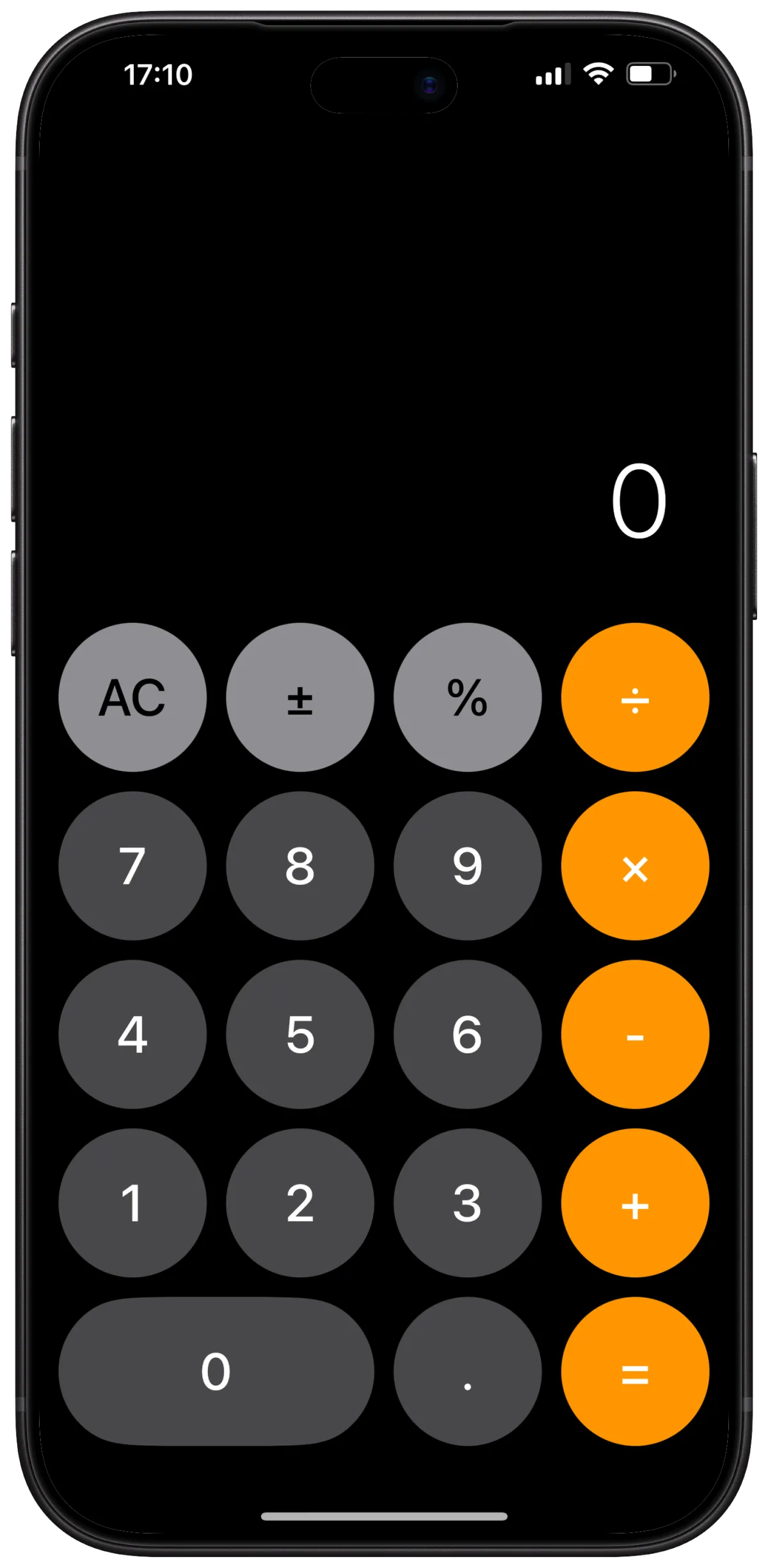
Choose between a standard PIN screen and a working calculator. Use your 6-digit PIN to open the vault, or unlock with Face ID.
- Standard PIN screen or calculator disguise
- Face ID
- Too many incorrect attempts temporarily block PIN entry
Calculator disguise
Hidden behind a calculator.
Locxafe can open as a working calculator. Enter your PIN and press = to get into your vault.
- A working calculator
- Unlock with your PIN and =
- Calculator app icon to match
Decoy PIN
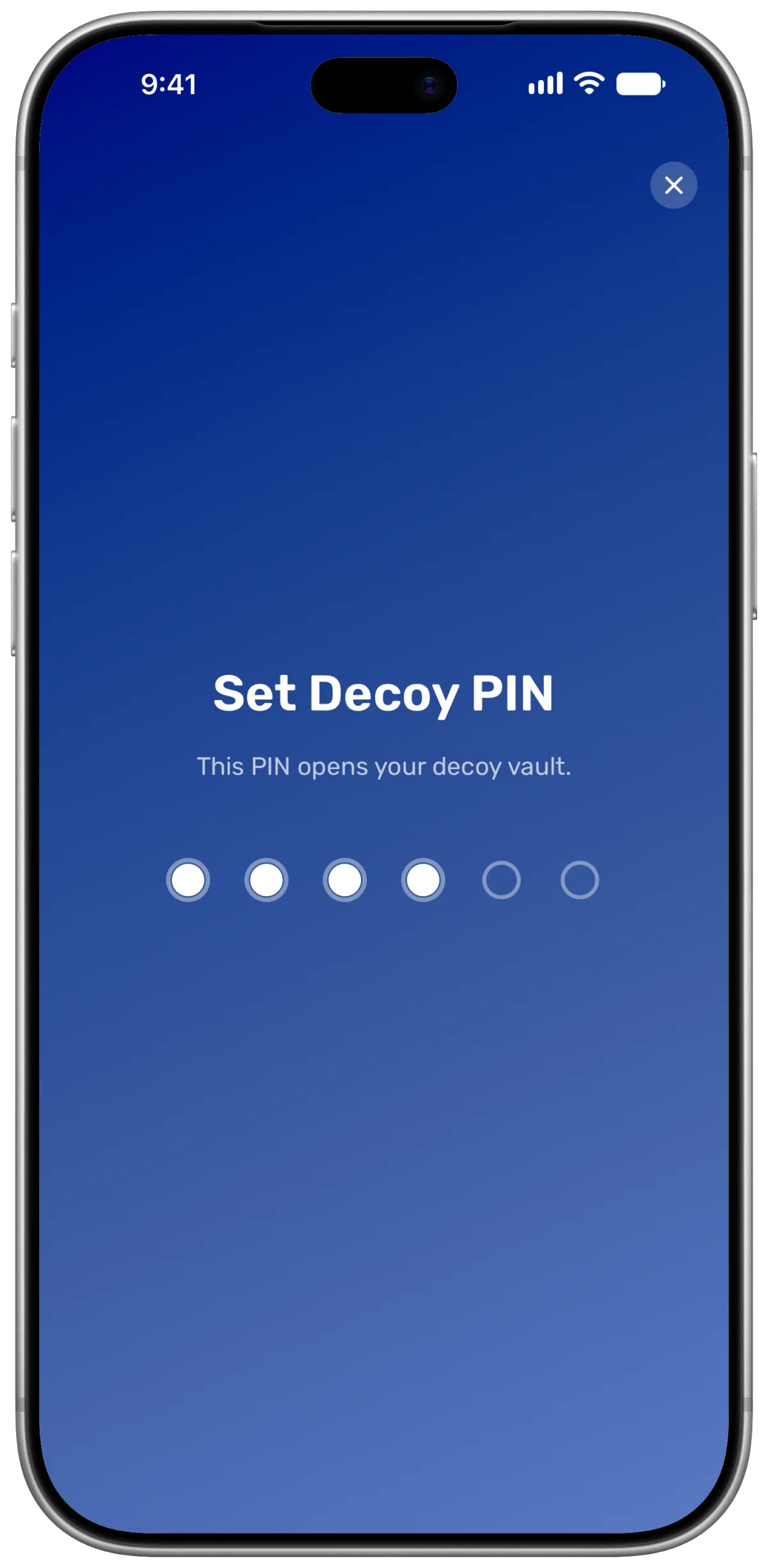
A second PIN for a decoy vault.
Use a second PIN to open a separate vault while keeping your real vault hidden.
- A separate PIN
- Separate photos and videos
- Your real vault stays hidden
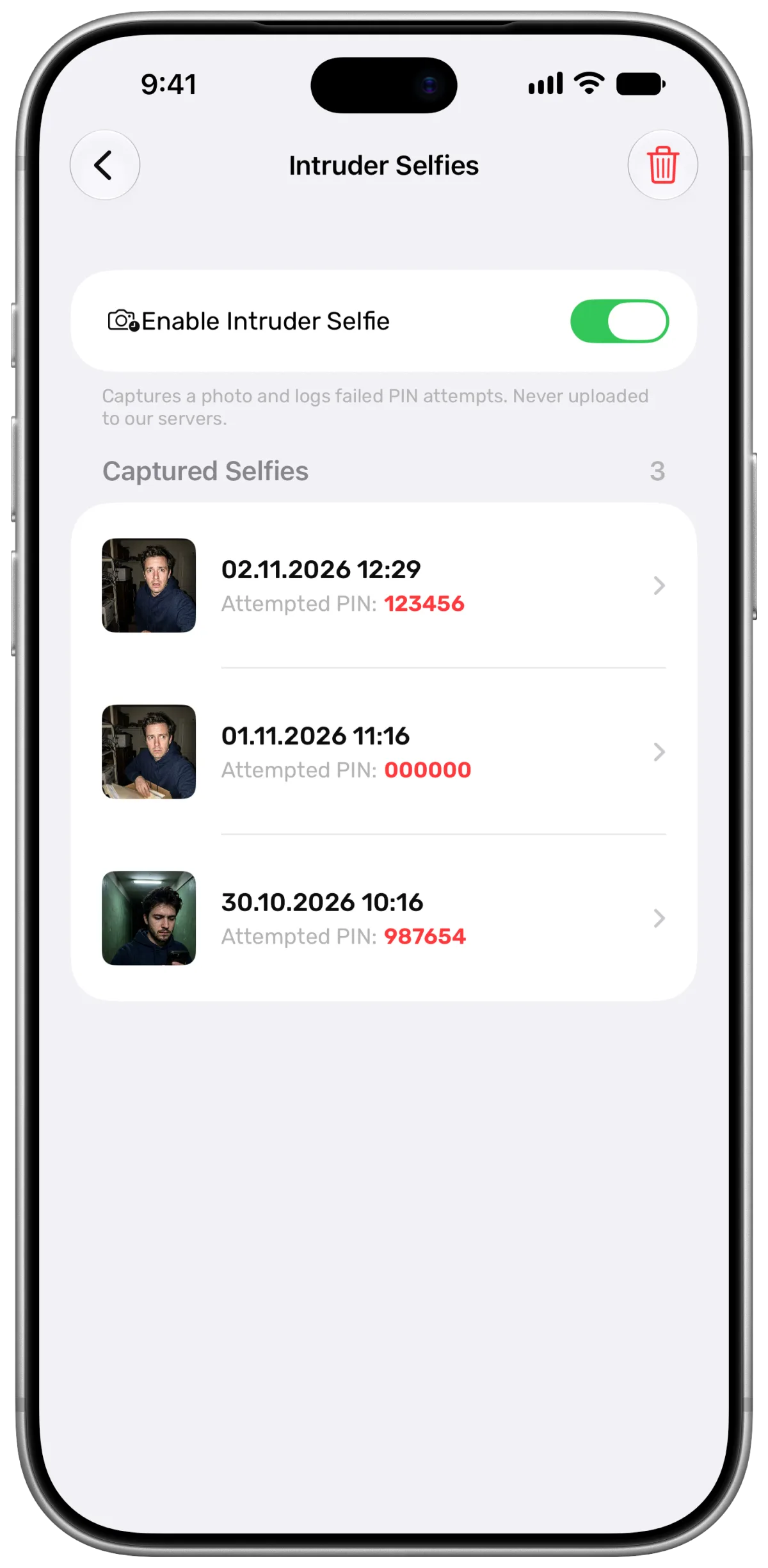
Intruder selfies
See who tried to get in.
With the feature enabled and camera access allowed, Locxafe captures a photo after an incorrect PIN entry and records the attempt.
- Photos captured with the front camera
- Date, time and the PIN that was tried
- Intruder photos are never uploaded to the cloud
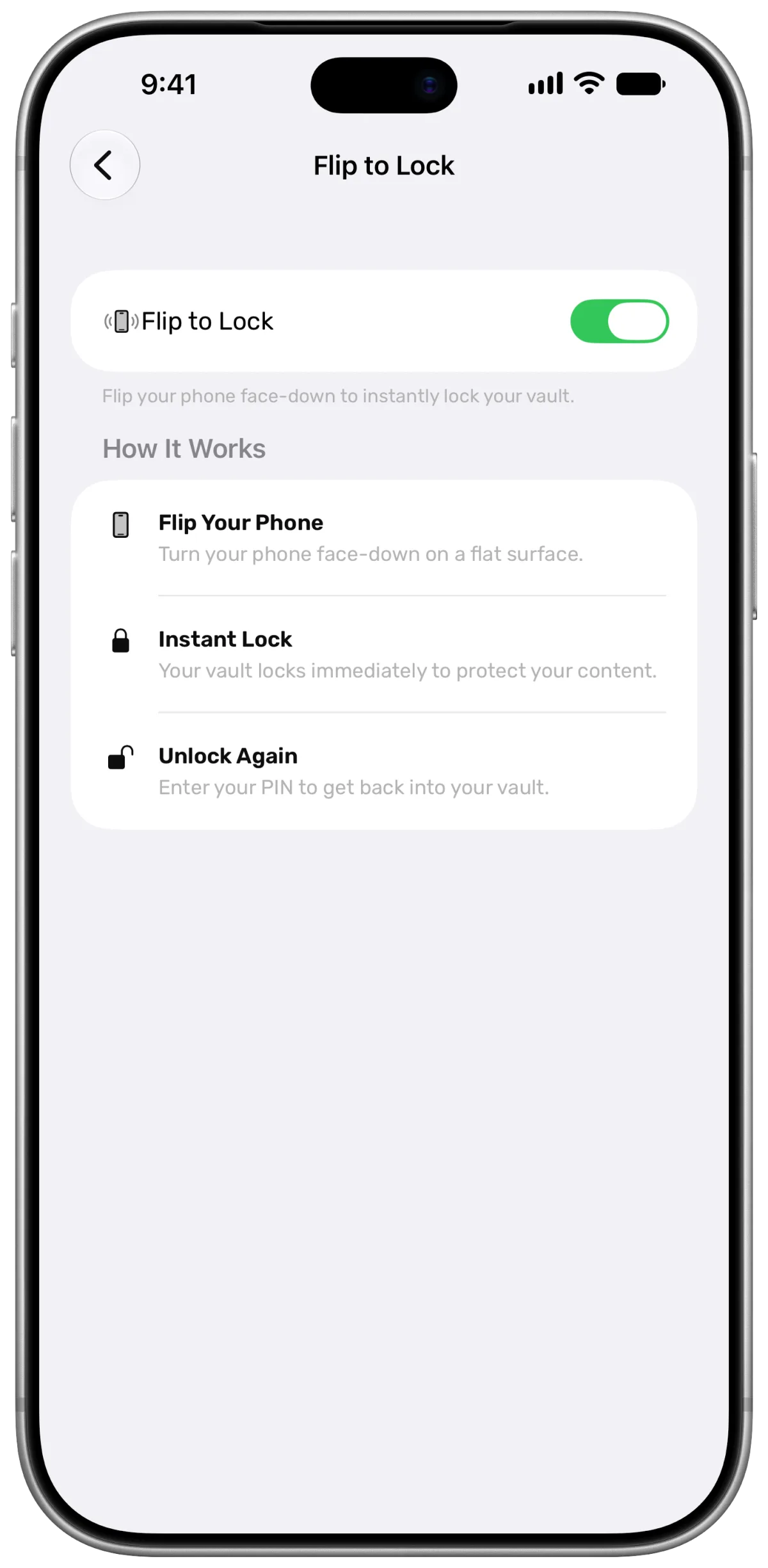
Flip to lock
Flip your phone to lock.
Turn your phone face down to lock your vault.
- Locks instantly
- Turn it on with one switch
- Unlock again with your PIN
Backup and sync
Your vault comes with you.
Back up your photos and videos to the cloud and access them when you sign in on another device.
- Backed up to the cloud
- Synced across your devices
- Save any item back to your photo library