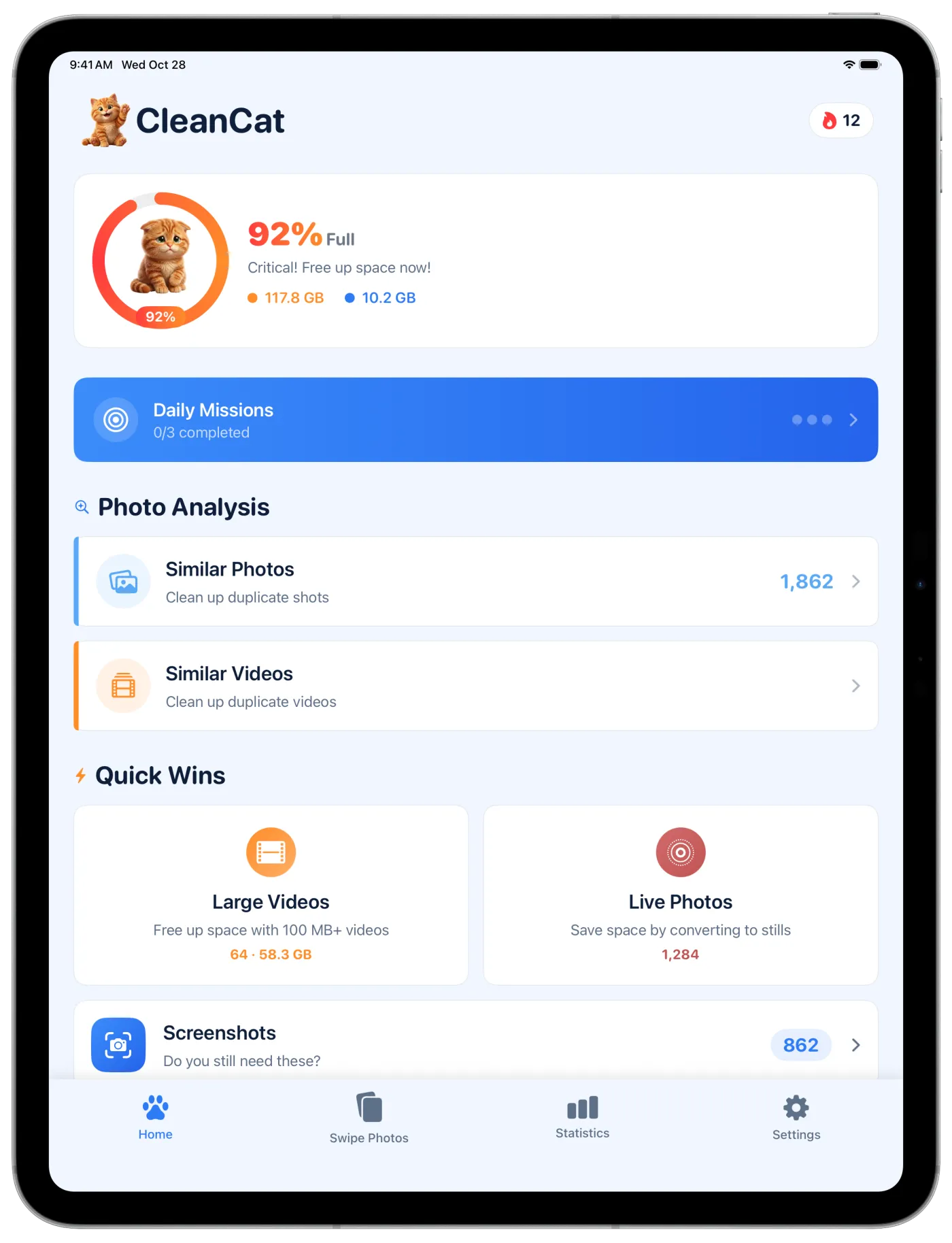
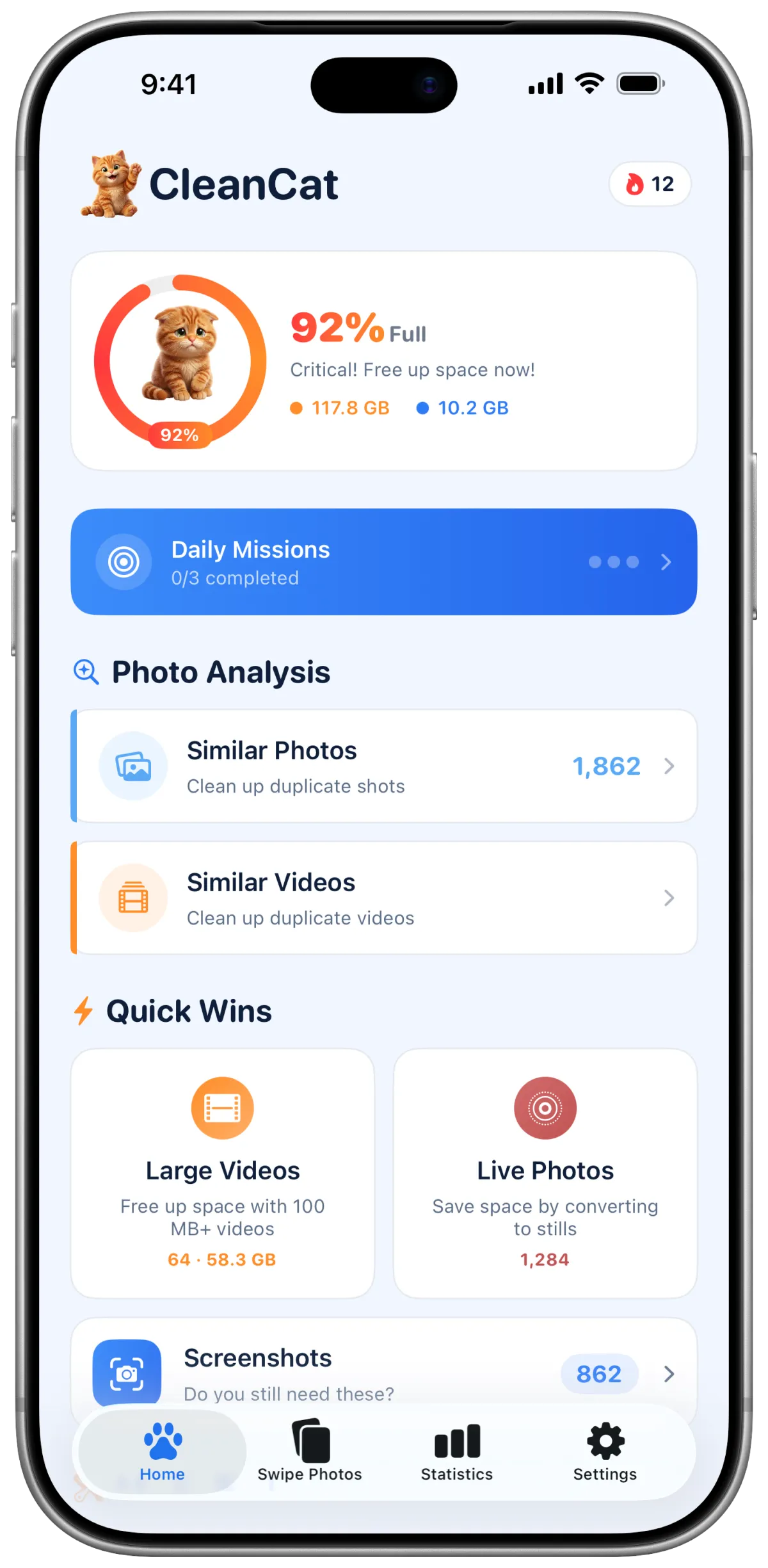
CleanCat for iPhone and iPad
Free up space on your iPhone.
Find similar photos and large videos, then choose what to remove.













Swipe to clean
Clean as you swipe.
Swipe through your photos to choose what stays and what goes. Review your selections before deleting.
- Photos grouped by month
- Swipe to keep or select for deletion
- Undo your last choice
Similar photos
Keep the shot you want.
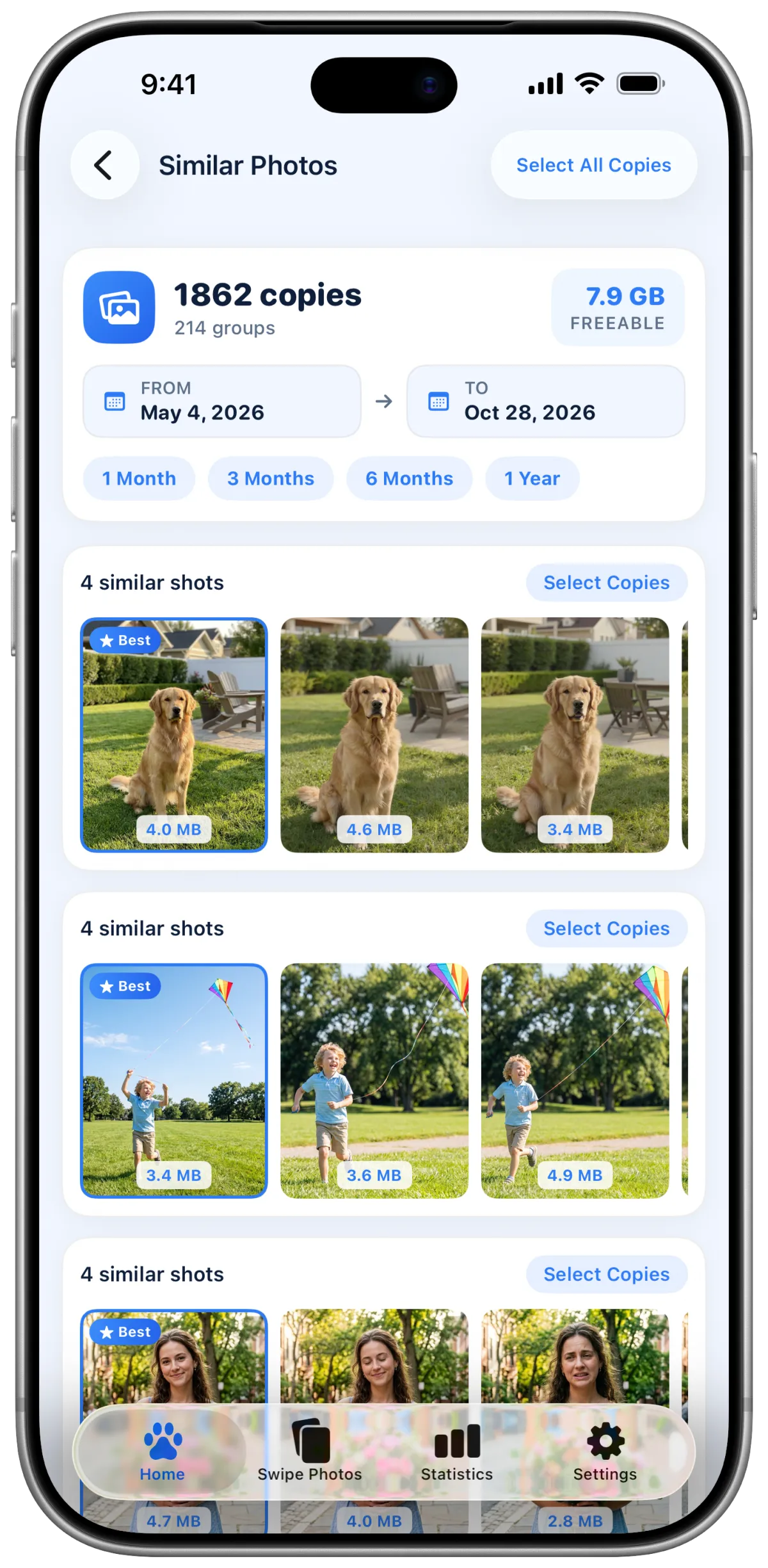
CleanCat groups similar photos and suggests one to keep. You choose what to delete.
- Similar shots in groups
- Suggested photo to keep
- Filter by date range
Large videos
Spot the largest videos.
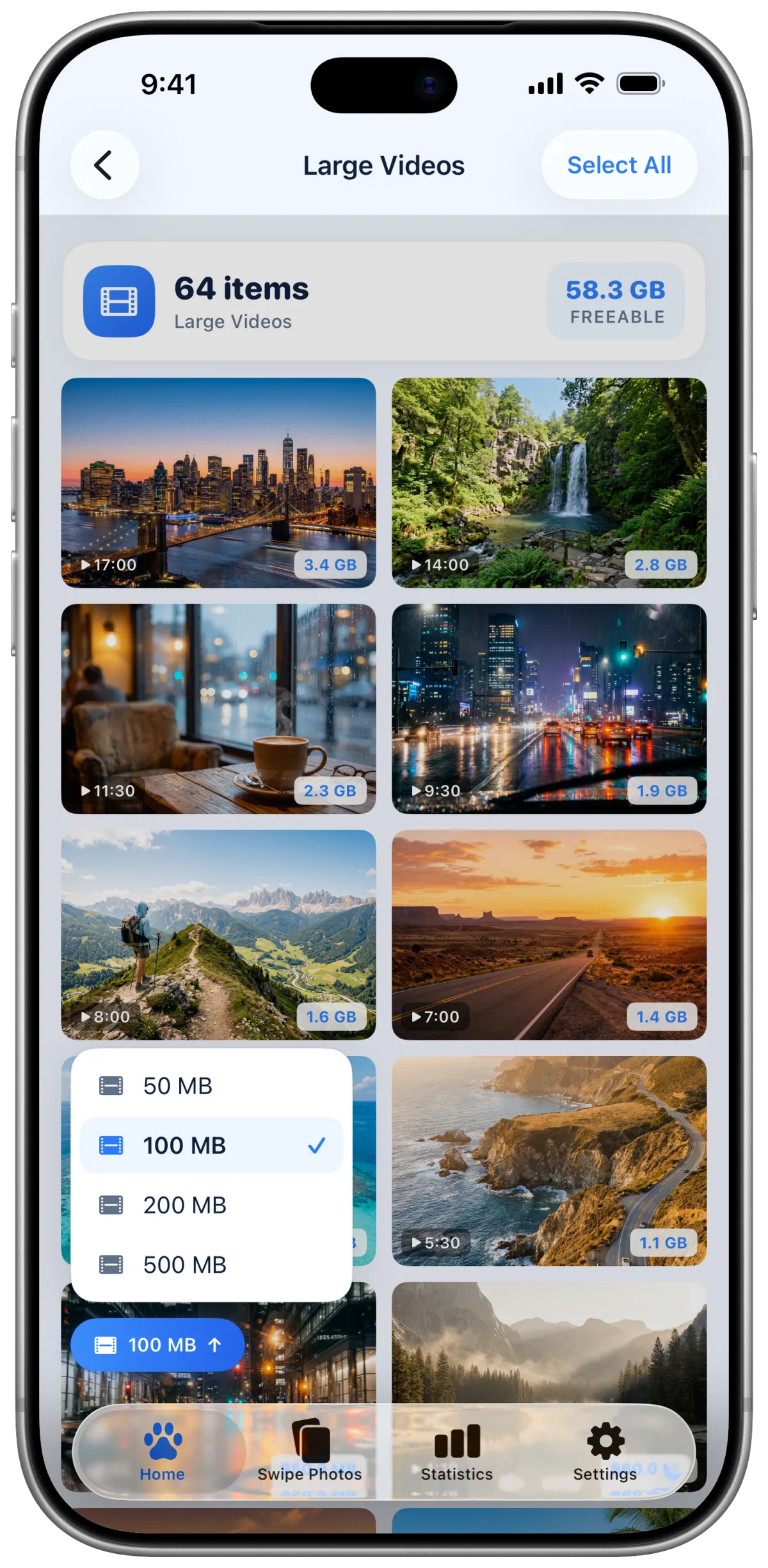
See the videos that take up the most space and filter them by size.
- Videos sorted by size
- Size filters from 50 MB to 500 MB
- Duration and size on every video
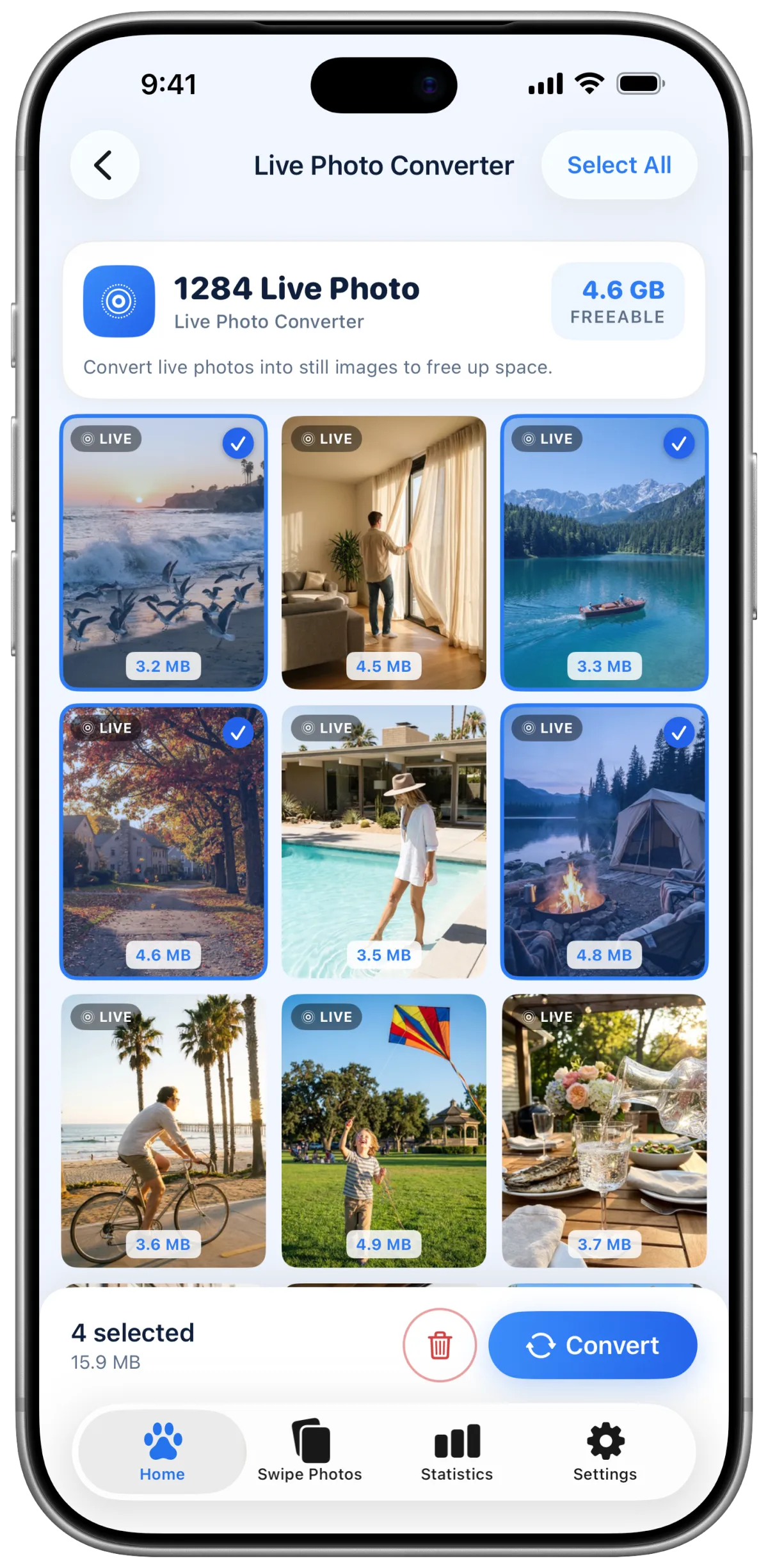
Live Photo converter
Turn Live Photos into still photos.
Keep the photo without the motion and use less storage.
- All Live Photos in one place
- Space you can save shown up front
- Convert several at once
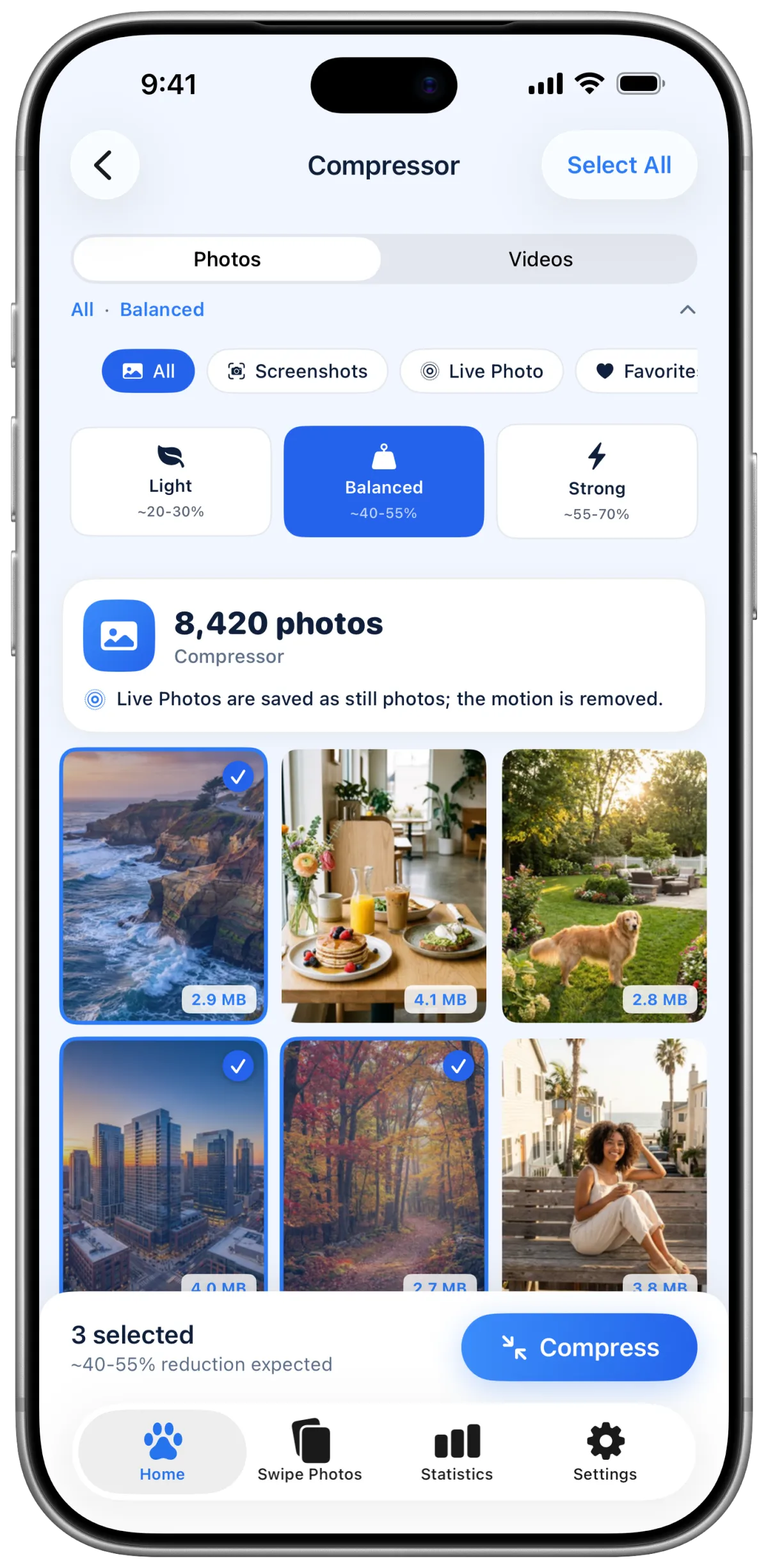
Compressor
Compress photos and videos.
Reduce photo and video file sizes with a compression level you choose.
- Compress photos and videos
- Choose light, balanced or strong compression
- Select the files you want to compress
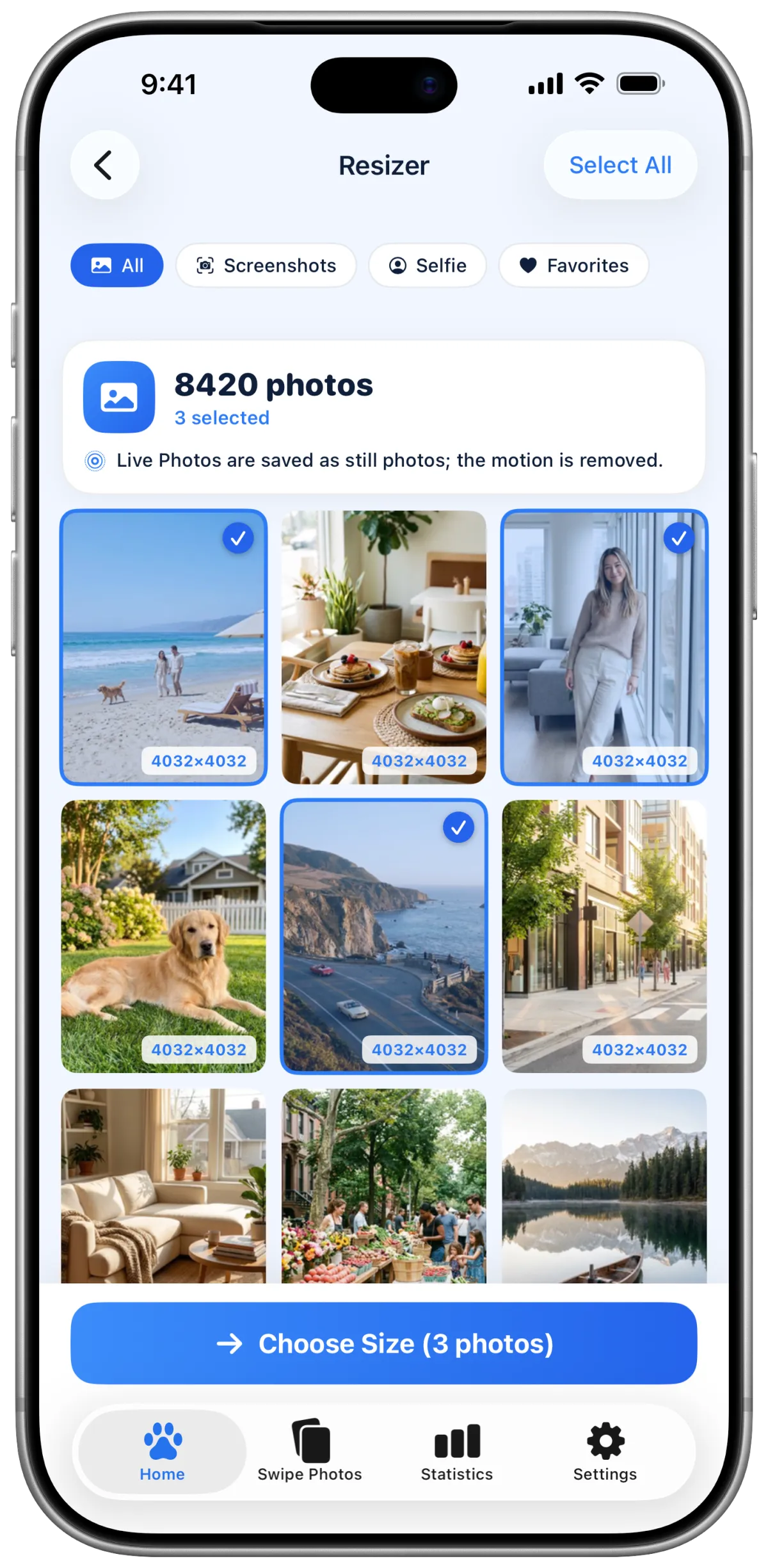
Resizer
Resize photos.
Resize several photos at once to fit the dimensions you choose.
- Select several photos at once
- Filter by screenshots, selfies and favorites
- Choose the size before saving
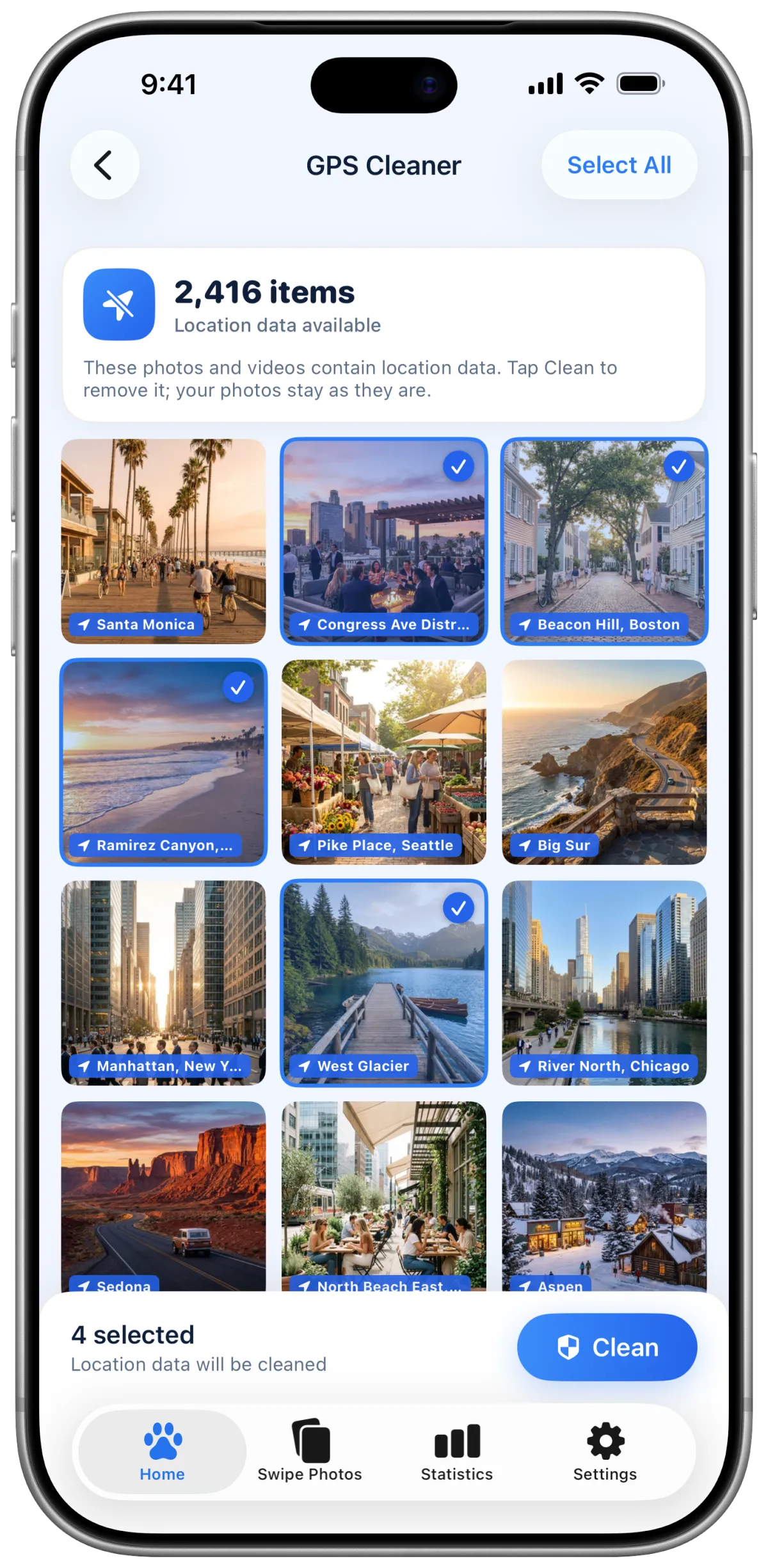
Location data
Remove location data.
Find photos that carry location data and remove it before you share them.
- Photos with location data in one list
- Place names on each photo
- Select which photos to remove location data from
Daily missions
Clean a little each day.
Complete daily missions to earn XP, track your streak and level up your cat.
- Daily cleaning missions
- XP and level progress
- Daily streak tracking
iPad
Also on iPad.
Review your photos and videos on a larger screen, and choose what to remove.